
Isgen AI Editor: Write. Check. Humanize - All-in-One Editor
Draft, edit, proofread, check your AI score, and humanize your writing in one simple editor, without switching between tabs or losing your formatting.
No signup needed. Import a DOCX or start from blank.
Benchmark in AI Detection..
Trained to identify a spectrum of models including ChatGPT, GPT-5, Claude, Deepseek, and Gemini — Trusted by Educators worldwide!
Why We Built It
Humanizing & Proofreading Shouldn't Destroy Your Document
Run a formatted assignment through most Humanizers or Grammar Checkers, and you get plain text back. Your headings are gone. Your tables, bolded sections, citations, and numbers you spent hours on, all flattened. You are forced to rebuild a document that was already finished.
We built the Isgen AI Editor to solve this problem. Our AI Editor keeps your formatting where you put it. It can humanize bullet points or rewrite entire tables while keeping the styling intact, so you can go straight from editing to submitting.
The AI Editor
Write, Detect, and Humanize in One Document
A full writing editor with AI detection, humanization, and proofreading built in.
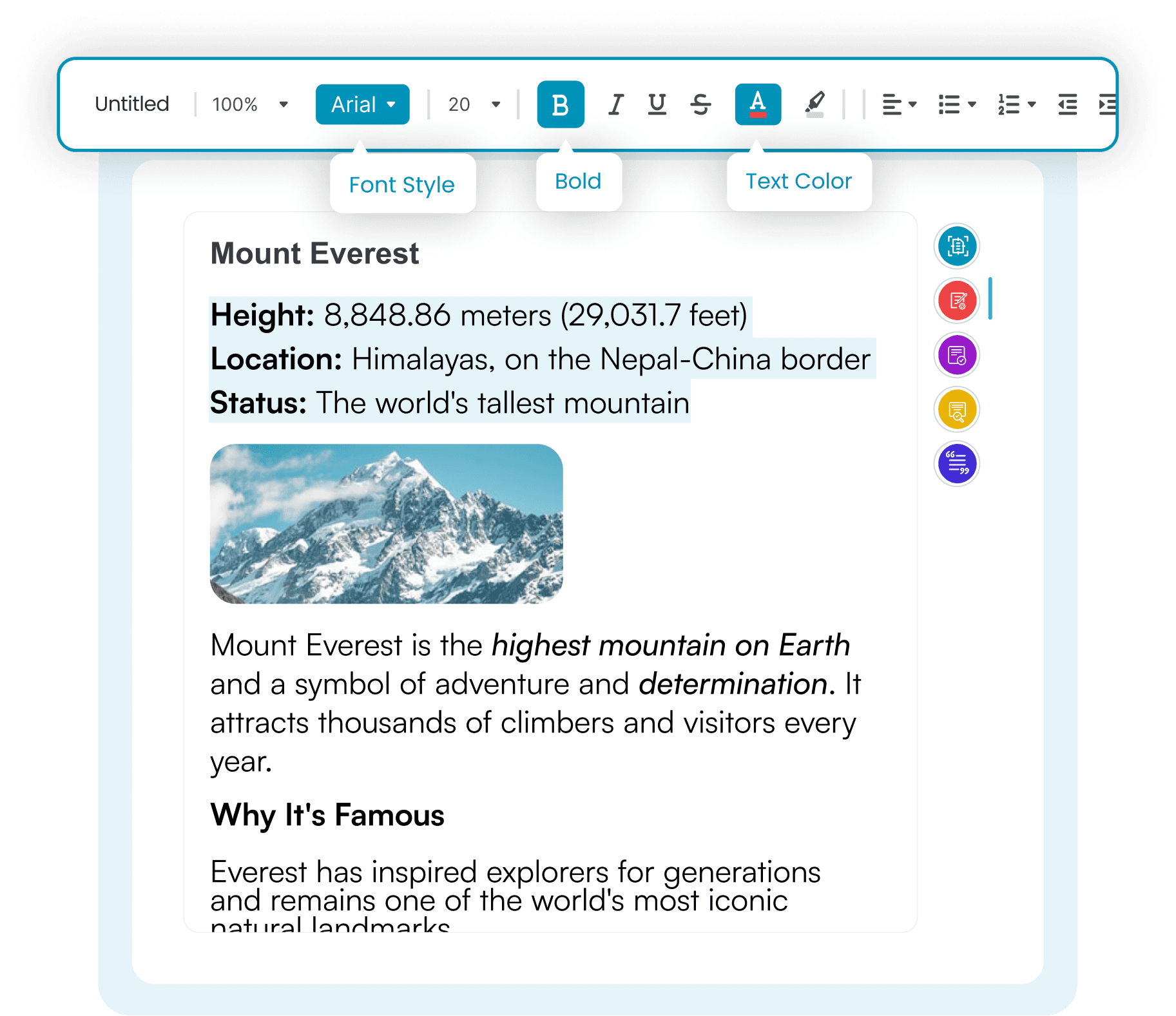
A Real Editor, Not Just A Text Box
Write your assignment exactly as you would in Google Docs. The full formatting suite is right there in the toolbar. Start from a blank page or import a document you've already written.
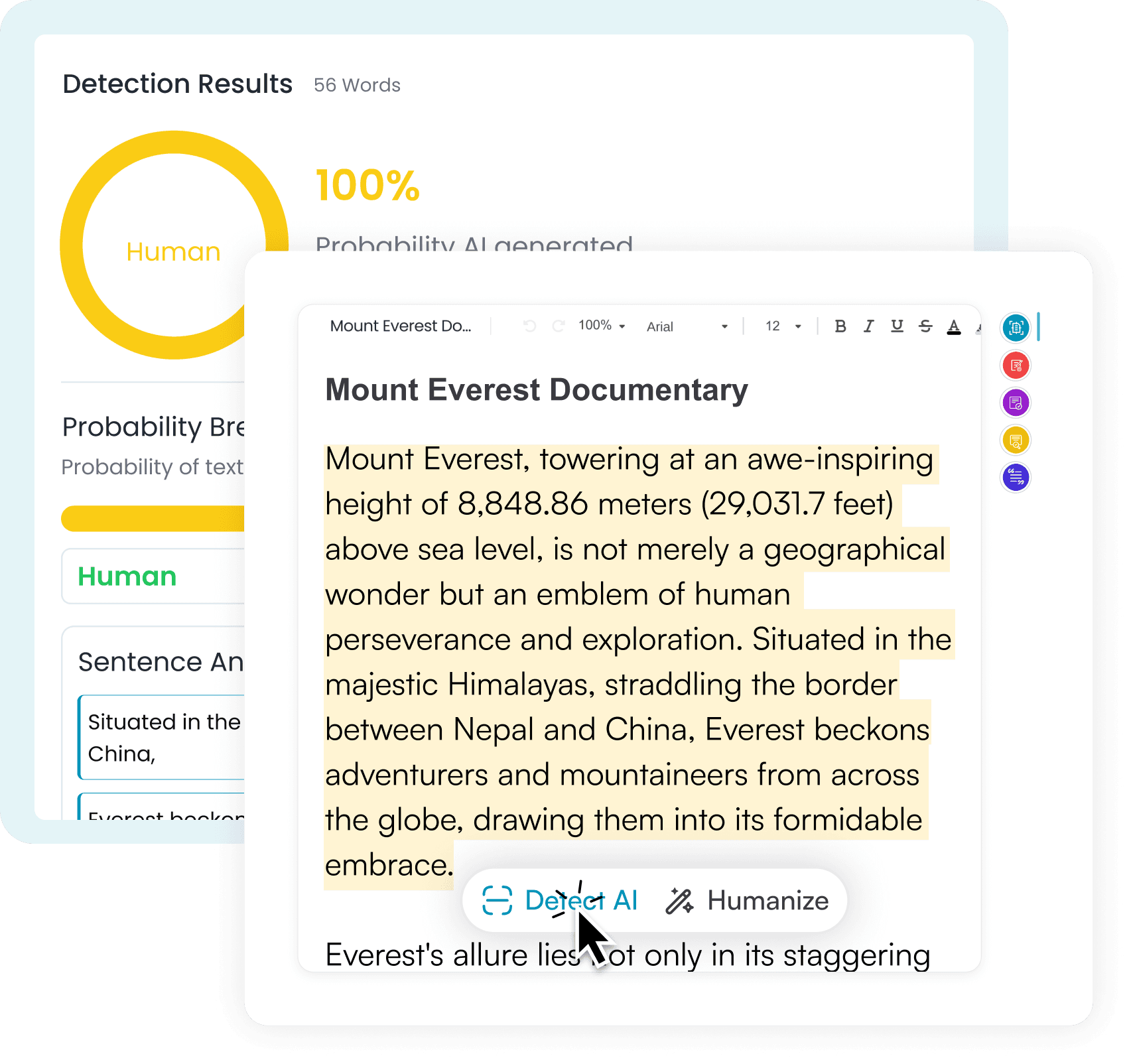
Detect Without Leaving the Page
Highlight any sentence, paragraph, or the whole document, then hit AI Detector. The detection results panel opens beside your text with a probability breakdown and sentence-level impact scores.
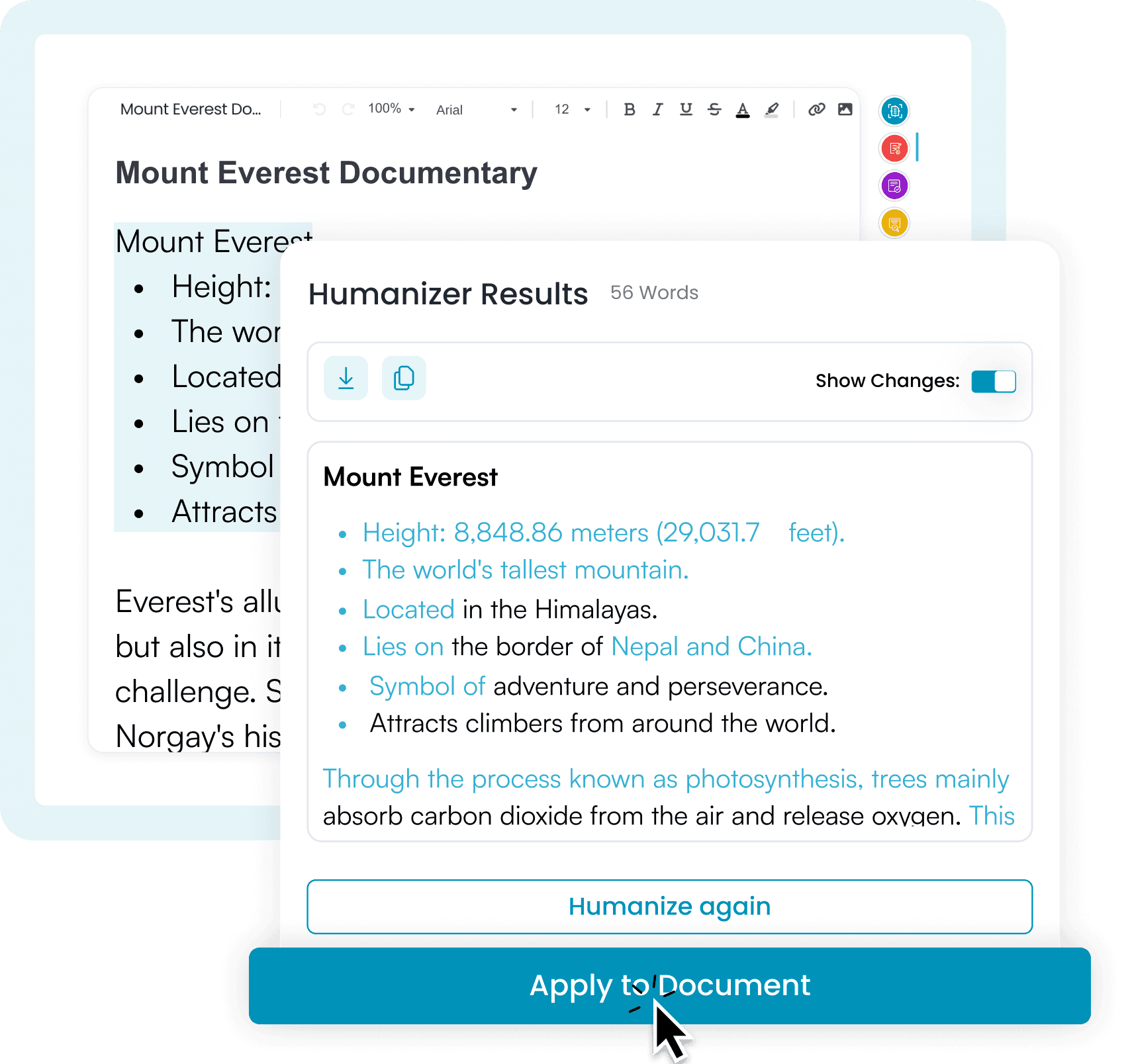
Humanize, Review, And Replace
Rewrite flagged text for a more natural tone, and fluent structure. If you approve a rewrite, the editor updates your document instantly without breaking the text formatting. Toggle Show Changes to compare the two before you decide.
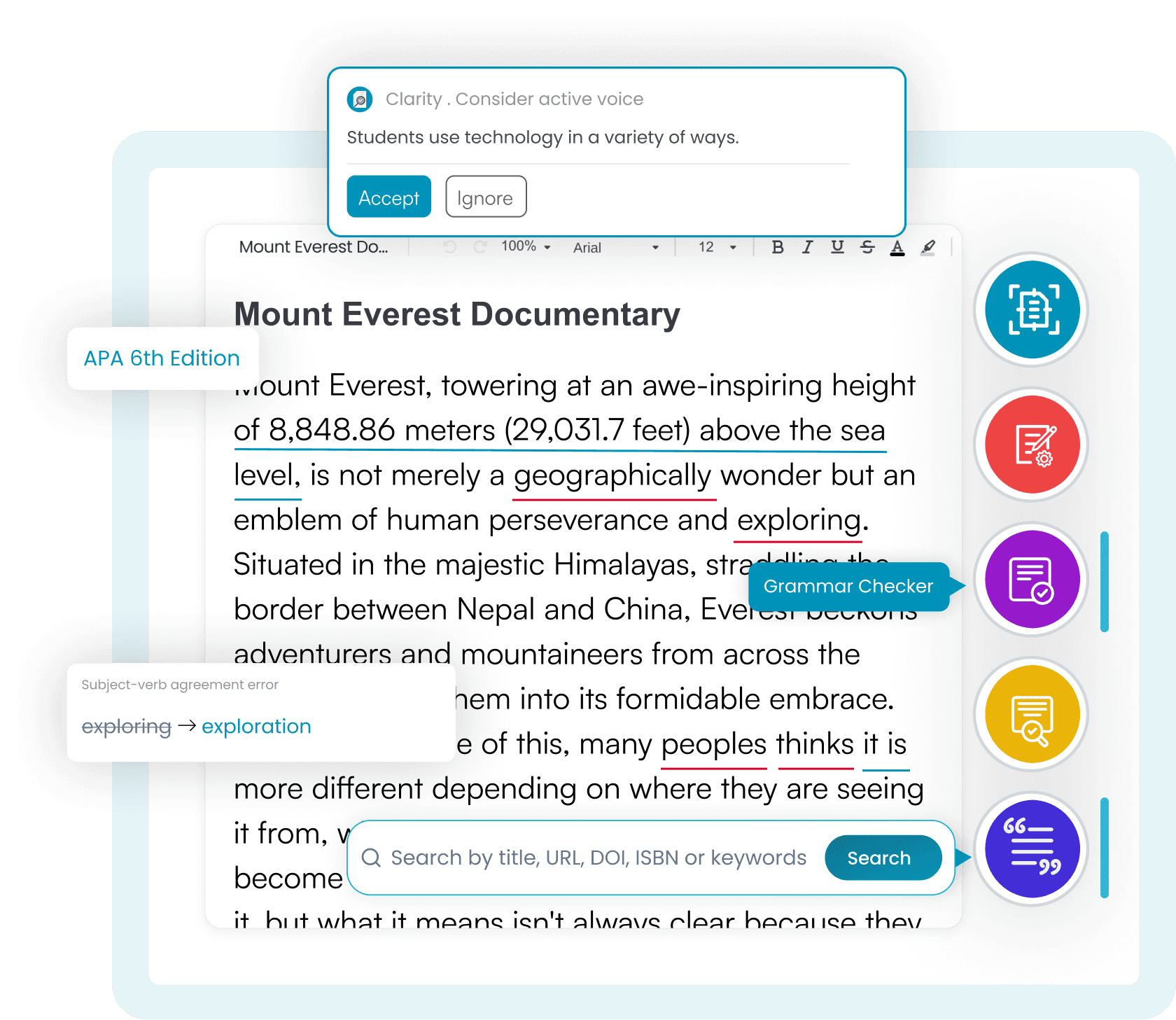
Every Tool in the Sidebar
AI Detector, Plagiarism Checker, Grammar Checker, Humanizer, Citation Generator. Each one sits a click away while you write. Import a DOCX file, work on it, and export it back out with your formatting intact.
How to Use
Five Steps to a Finished Draft
No tab-switching, no re-uploading, no pasting your essay into a fourth website. Write, check, and edit on the same platform, so you can export a clean and properly formatted document.
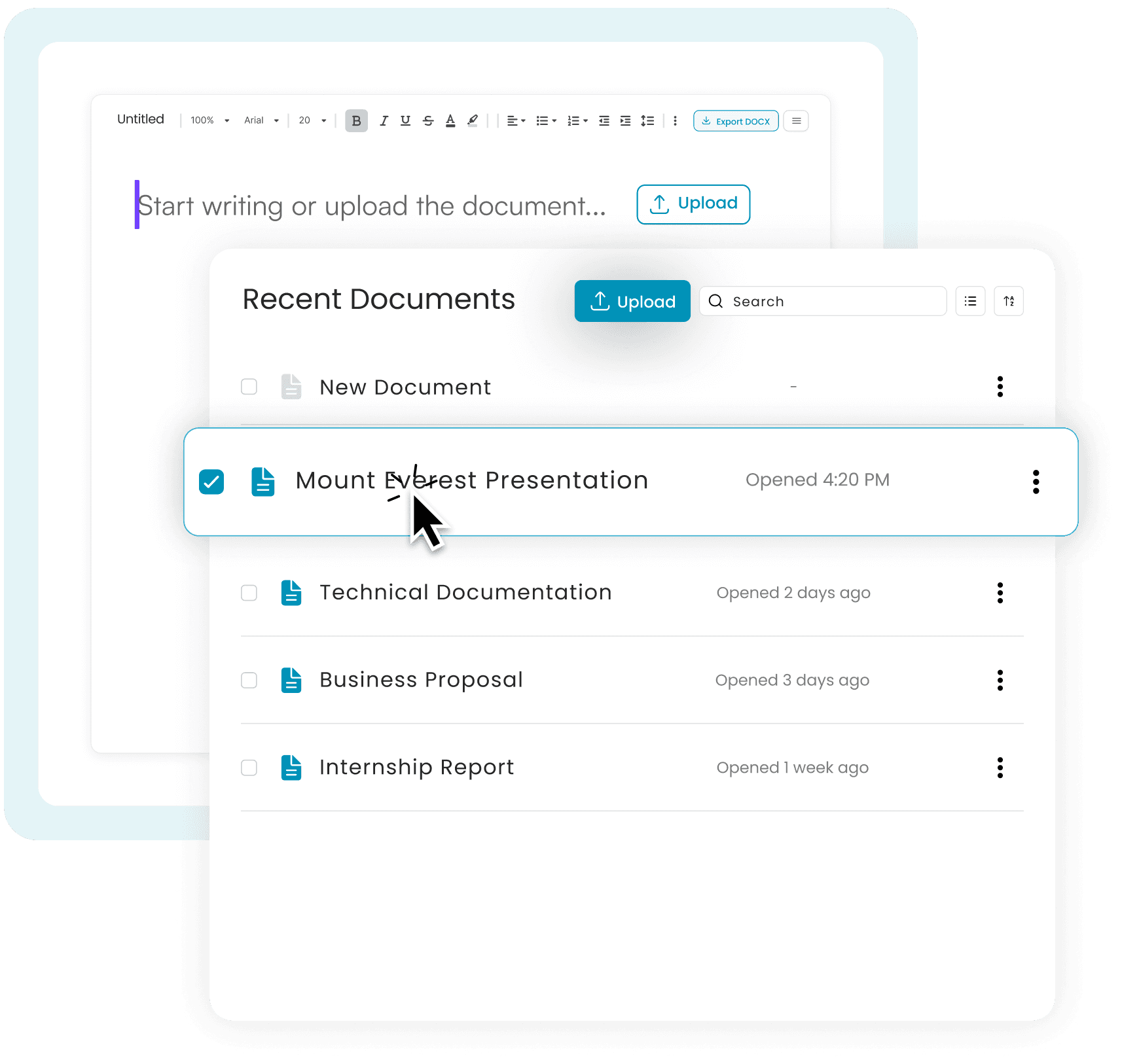
1. Create or Import
Open a blank document and start typing, or skip ahead and upload a document you've already written.
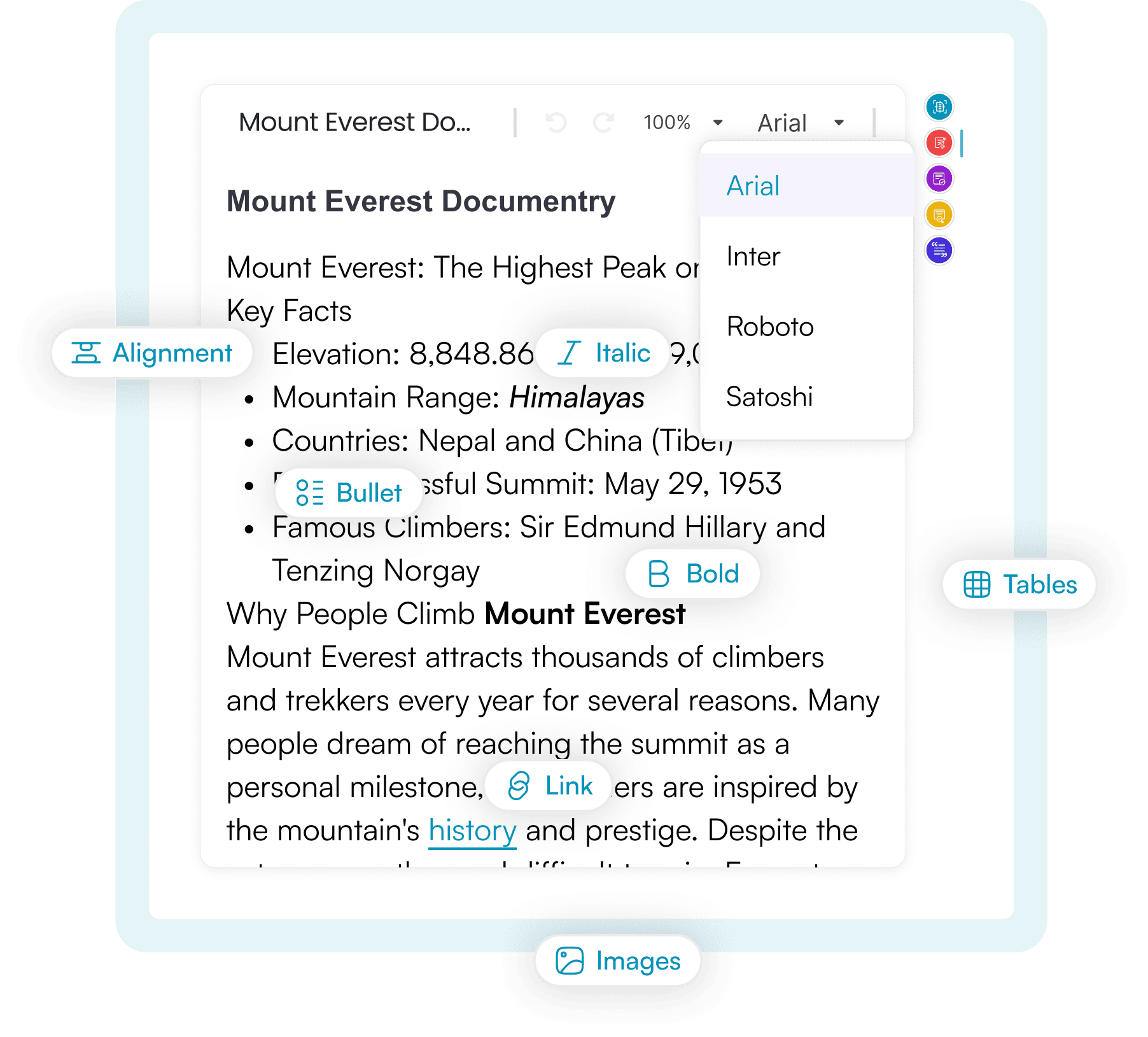
2. Write and Format
Use the toolbar the way you'd use Google Docs. Add headings, bold, italics, lists, tables, images, links, fonts, spacing and more. You get the full formatting suite.
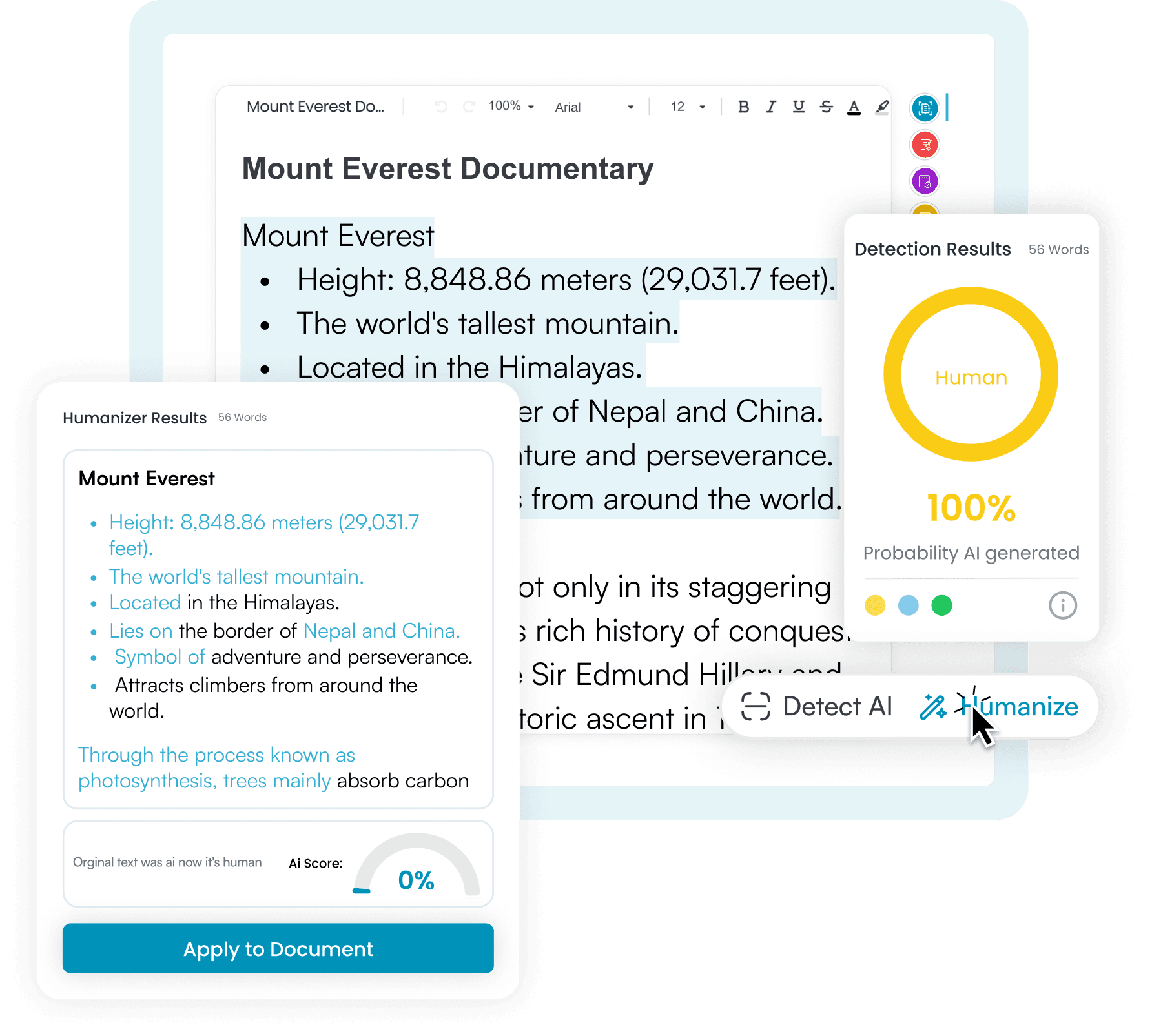
3. Select, Check, Humanize
Highlight a passage and check it for AI, then rewrite it for a more natural tone. Press Replace, and the new text takes the old text's place with the styling intact, nothing to fix by hand.
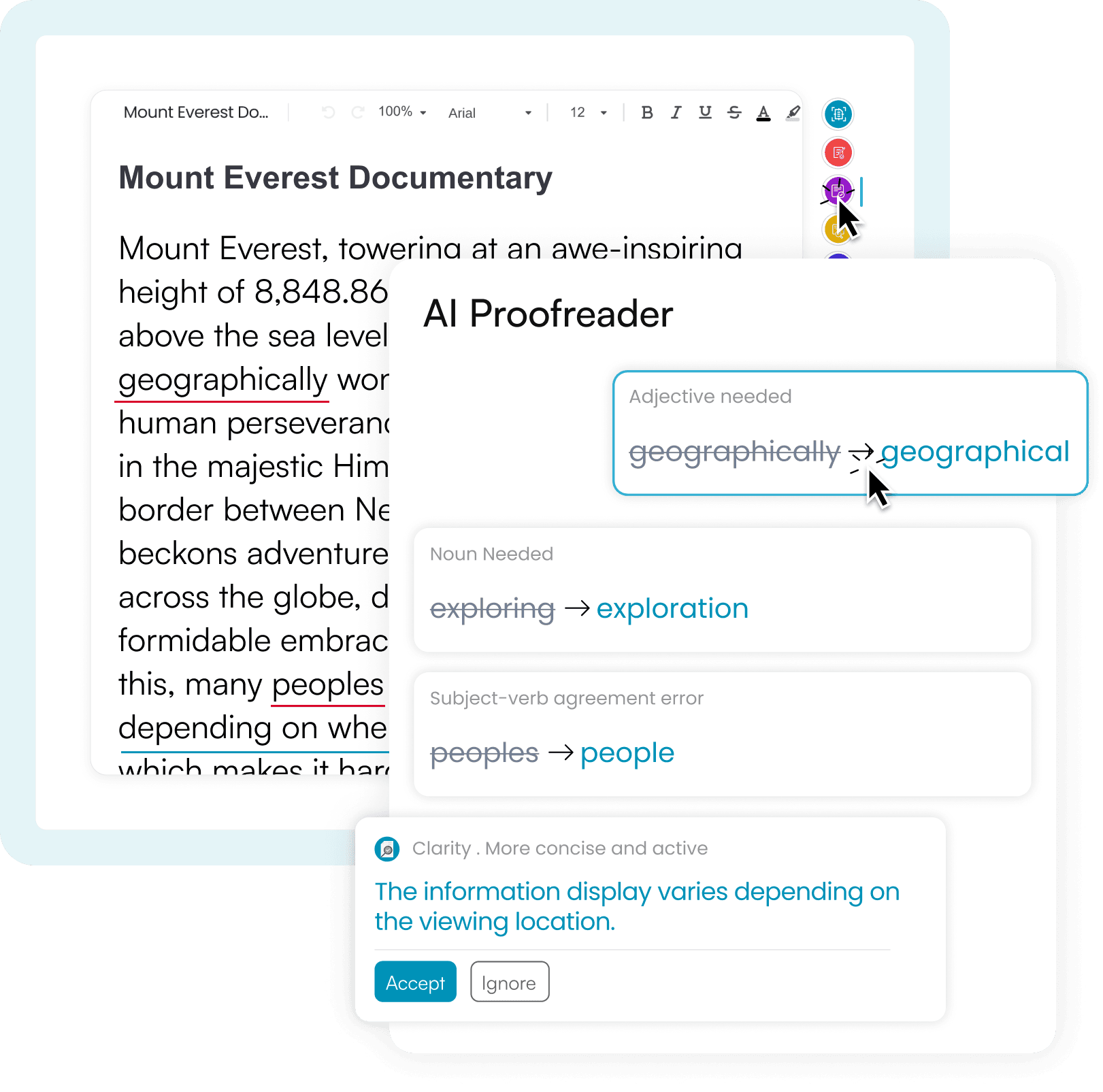
4. Proofread
Run Isgen's AI Proofreader across your finished draft for grammar, spelling, punctuation, and clarity, right within the same editor.
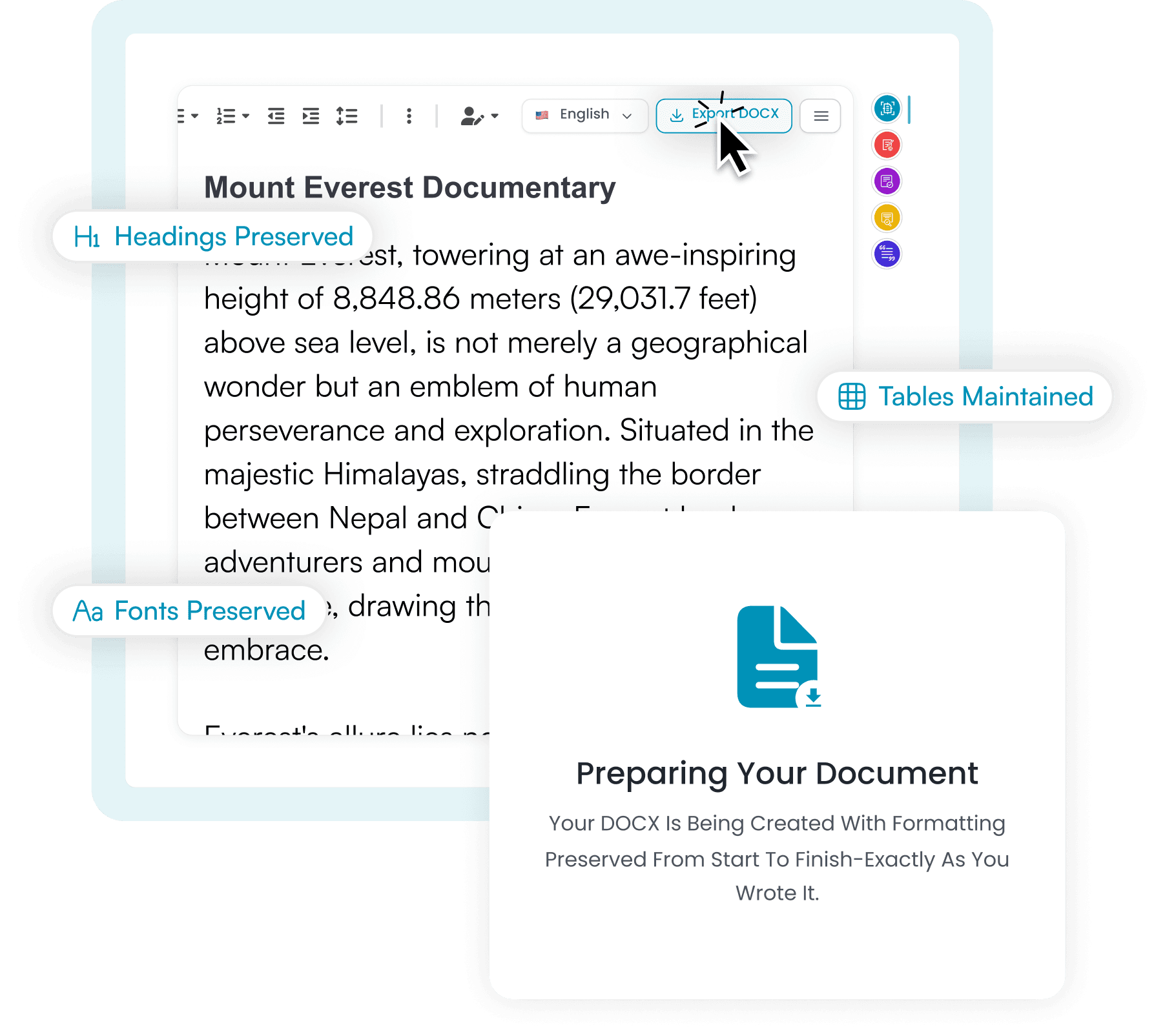
5. Preserve Your Formatting
Export to DOCX and every heading, bullet, table, font, and citation stays precisely as you set it up. No reformatting, no rebuilding, and no "why are my tables plain text now."
How it Helps
Why Write in the AI Editor?
By the time most people submit a document, they've moved it through three or four separate tools and redone the formatting back by hand each time.
- One Tab, Start to Finish
- You can draft, check, humanize, proofread, and cite in the same window. The document stays open in front of you until you export it.
- Catch It as You Write
- Check any text section the moment you finish it. Fix flagged lines while you're still drafting, not the night before it's due.
- Understand the Results
- Sentence- and phrase-level impact scores highlight specific lines that pushed the AI probability up, so you learn which of your habits read as machine-written.
- Built to Preserve Formatting
- Headings, bullets, tables, bold, citations, all of it survives every check and rewrite. Other humanizers & proofreaders hand you back plain text.
- Free to Use
- Open the editor and start writing. No signup or credit card is required to get started.
- Support over 80 Languages
- Native multilingual detection, humanization, & Proofreading. Your text is processed in its original language, not translated from English.
Privacy & Security
Your Work Stays Yours
We keep everything you write in the AI Editor inside your own account, where it belongs. We don't share, sell, or use it to train our models.
- Private to You
- Your documents are stored in your account, visible only to you. Third parties have no access to them at any point.
- Never Used For Training
- Nothing you write here is saved for model training or any external database. Your writing remains yours.
- Delete Anytime, for Good
- Delete a document whenever you want. Deletion is permanent; it's completely wiped, not archived or recoverable later.
Backed by our data protection guarantee
Pricing Plan
Choose your plan
Write better and faster with tools that scan your text, fix mistakes, and make sure your writing sounds real and natural every time. Choose your ideal plan!
Currency:
Academic
Advanced AI Detector, Plagiarism Checker, and access to the basic Presentation Maker.
$8/month
Billed annually
Advanced AI detector
Premium Plagiarism Checker
Detailed Analysis (phrase level)
AI Editor
350,000 detection words per month
Unlimited calls per day
Batch file upload
15 days Document History
Most Popular
Ultimate
Unlimited access to our Advanced AI Detector, AI Humanizer, Presentation Maker and other Premium Tools.
$24/month
Billed annually
Advanced AI detector
AI Humanizer
Premium Plagiarism Checker
AI Proofreader
AI Editor
AI Presentation Maker
Unlimited words per month
8,000 Presentation Credits
Unlimited calls per day
Detailed Analysis (phrase level)
Bulk and Large Document Scan
Batch file upload
30 days Document History
Priority support
Writing
Advanced AI Humanizer, AI Proofreader, Presentation Maker, and other Premium Features.
$15/month
Billed annually
AI Humanizer
AI Proofreader
AI Editor
AI Presentation Maker
50,000 humanizer words per month
4,000 Presentation Credits
Unlimited calls per day
Batch file upload
30 days Document History
Priority support
Target Audience
Who Can Use Isgen's AI Editor?
Students and Researchers
Draft your essay, check each paragraph as soon as you've written it, while the argument is still fresh and the fix is still small. Not the night before the deadline.
Educators and Institutions
Review submissions with sentence-level context instead of one blunt percentage. Prepare handouts and assignments in the same editor.
Content Creators and Journalists
Draft your article or editorial content. Humanize passages that read stiffly, then proofread and cite before it goes live.
Professional Writers and Authors
Your chapter structure and your voice stay put while you work through a manuscript, a white paper, or marketing copy line by line.
Business and Legal Professionals
A numbered clause that loses its numbering causes real problems. Refine reports, proposals, memos, & high-stakes content with the clauses, tables, and headings intact.
FAQ
Frequently asked questions
Multilingual Fluency
Supported languages
Support for more languages is being added